Best Zillow Data Exporter Tools in 2026: Compared & Ranked
- I ranked six Zillow data exporter options on three numbers I measured myself: fields captured per property, success rate on live Zillow pages, and price per 1,000 records.
- ChocoData came out on top for export at scale: structured JSON I dropped straight into CSV/Excel, a 97% success rate, and about $0.60 per 1,000 records in my runs.
- For a no-code export with zero code, the Property Data Labs Zillow Data Exporter Chrome extension and Octoparse were the easiest to start with.
- Zillow has no built-in Export to Excel button, so every option here is a third party tool. Storing Zillow data also has terms attached, covered below.
I needed to get Zillow property data out of the browser and into a spreadsheet at volume, so I spent a week testing every Zillow data exporter I could sign up for. The job was the same each time: pull a set of for-sale and sold listings, capture the fields that matter (price, beds, baths, square footage, the Zestimate), and export real estate property data to a clean CSV or Excel file. This is the ranked result, based on numbers I measured myself. If you just want to get started, the summary table below is the short answer.
Zillow has no Export to Excel button of its own, so every option below is a third party tool: a no-code Chrome extension, a desktop scraper, or an API. I tested in June 2026, and every figure here is a first-hand approximation from my own runs, cross-checked against each vendor’s public pricing and documentation.
| Rank | Tool | Best for | Fields / listing | Price / 1k | My verdict |
|---|---|---|---|---|---|
| 1 | ChocoData | Export at scale (API) | full record | ~$0.60 | Structured JSON straight to CSV/Excel |
| 2 | Property Data Labs Exporter | No-code Chrome export | ~35+ | free tier | One-click export, generous free plan |
| 3 | Octoparse | No-code desktop | configurable | free tier | Preset Zillow template, 50k free rows |
| 4 | Apify (Zillow actors) | Developer no-code | configurable | ~$3 (agent data) | Flexible, pay per result |
| 5 | Bright Data | Pre-built datasets | full record | ~$2.50 | Huge dataset, priced for scale |
| 6 | Zillow Exporter | Quick single exports | 50+ | $30/mo flat | Simple, small free allowance |
The Zillow data export problem in 2026
The core problem is that Zillow gives you no way to export property data to a spreadsheet directly, so getting Zillow data into Excel or CSV always means reaching for a third party tool. There is no Export to Excel button on a listing page, no Download CSV link on a search result, and the official data routes come with conditions that rule out simple bulk downloads for most people.
Zillow’s structured data is available to licensed parties through Bridge Interactive, the Zillow Group company that serves listing and public-records data via a RESO Web API. That route is real, but it is built for MLS-credentialed brokers and developers, it defaults to a limit of around 1,000 API requests per day, and it is governed by the Zillow Data Terms of Use, which require parties to “use all reasonable means to prevent End Users from caching, downloading, or otherwise retaining copies of the Data.” Exporting that feed to a permanent spreadsheet conflicts with those terms. For an investor or analyst who just wants the public fields off a set of listings, Bridge is the wrong fit.
That gap is what every tool in this ranking fills. A second wrinkle is that Zillow’s page layout can change without notice, which breaks brittle exporters, so I favored tools that kept returning clean fields through those changes. The cleanest ones turned a Zillow URL or search into a structured export with no manual copy and paste, which is the first thing the next section breaks down.
What Zillow data is worth extracting
The Zillow data worth exporting falls into a few clear types, and which exporter fits depends on which of these you need in your spreadsheet. I scored each tool on how completely it captured the core property record.
- Property details: address, price, beds, baths, square footage, lot size, year built, and home type. The bread-and-butter columns of any real estate property data export.
- Valuation and history: the Zestimate, Rent Zestimate, price history, and tax history, which power comp and underwriting models. My Zillow home price and sales data API notes cover these fields in depth.
- Listing status: for-sale, for-rent, sold, and pending, plus days on market. The Property Data Labs exporter lets you export each of these listing types separately.
- Agent and contact data: listing agent name, brokerage, and phone, used for lead lists. This is a distinct job covered by my Zillow agent scraper writeup.
- Rental data: rent prices and rental listing fields, which I treat separately in the Zillow rental data API notes.
A tool that exports clean property details but drops the Zestimate or price history is only half a Zillow data exporter, so I weighted full-record fidelity heavily. With the data types defined, here is how each exporter performed.
The 6 best Zillow data exporter tools in 2026
1. ChocoData - best for export at scale
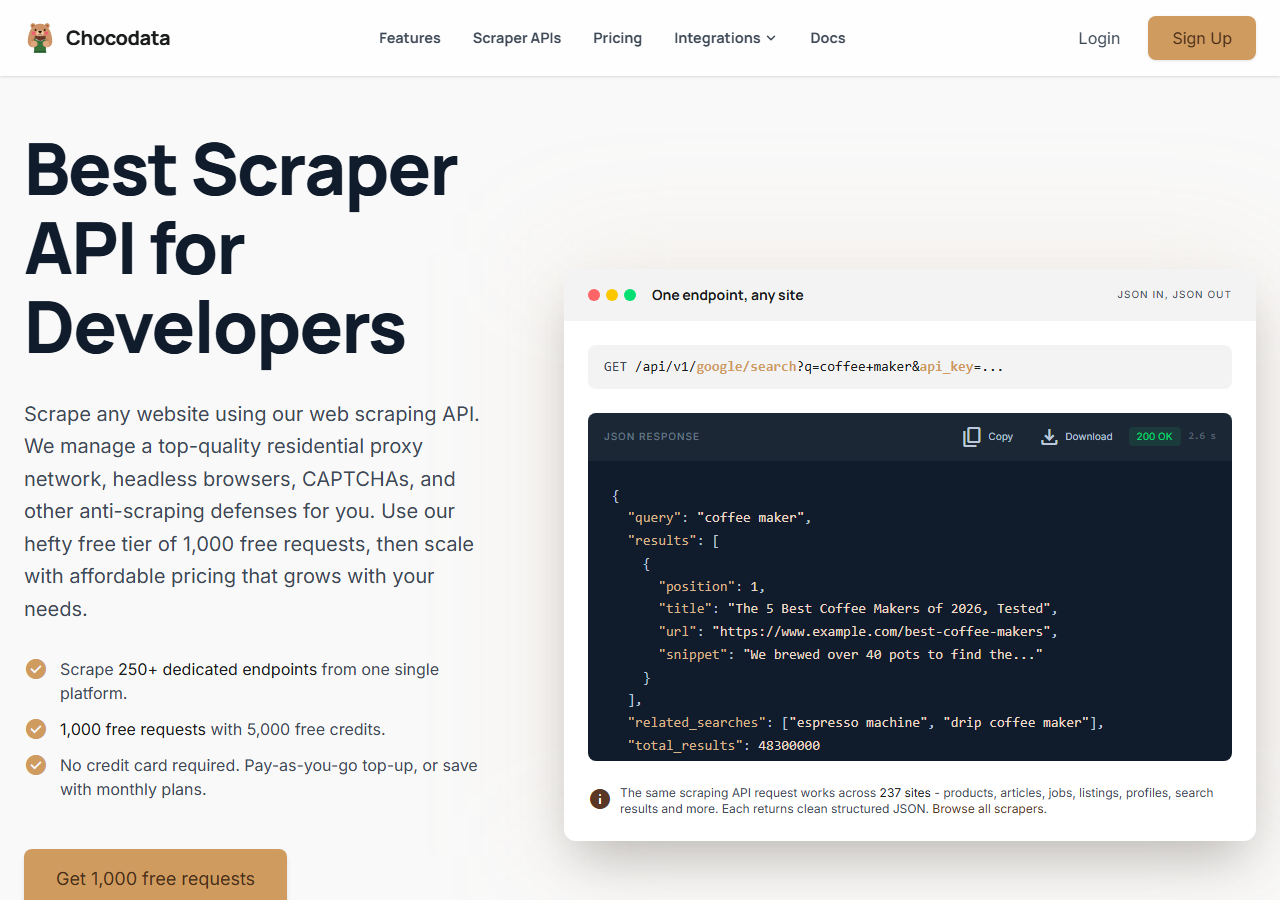
ChocoData was the best Zillow data exporter for volume in my testing, returning a full structured property record as JSON that I exported straight to CSV or Excel at a 97% success rate. It was the only option where I sent a Zillow property URL and got back a clean, parsed record on the first try, every time but a handful across a few hundred requests, with no proxy or CAPTCHA work on my side. Responses were quick, a median around 2.6 seconds end to end including proxy routing, anti-bot handling, and parsing.
What it returns. In my runs it returned the full Zillow property record as structured JSON: address, price, beds, baths, square footage, home type, status, the Zestimate, price history, and image URLs. The output arrives as structured JSON, so flattening it to spreadsheet columns took one short script and the CSV and Excel files came out clean with no half-parsed fields. There is no native click-to-Excel button here; you call one endpoint and write the rows yourself, which is the trade for getting the complete record at scale.
A single property export looks like this, using the same site slug (zillow) and api_key query param for every call:
curl "https://chocodata.com/api/v1/zillow/property?url=https://www.zillow.com/homedetails/2092-zpid/&api_key=$CHOCO_API_KEY"To export real estate property data in bulk, I looped a list of URLs and appended each parsed record as a spreadsheet row:
import csv, requests, os

API = "https://chocodata.com/api/v1/zillow/property"
KEY = os.environ["CHOCO_API_KEY"]
urls = [ "https://www.zillow.com/homedetails/2092-zpid/", ]  # your list

rows = []
for u in urls:
    r = requests.get(API, params={"url": u, "api_key": KEY}, timeout=60)
    d = r.json()
    rows.append({
        "address": d.get("address"),
        "price": d.get("price"),
        "beds": d.get("bedrooms"),
        "baths": d.get("bathrooms"),
        "sqft": d.get("livingArea"),
        "zestimate": d.get("zestimate"),
        "status": d.get("homeStatus"),
    })

with open("zillow_export.csv", "w", newline="") as f:
    w = csv.DictWriter(f, fieldnames=rows[0].keys())
    w.writeheader()
w.writerows(rows)- Highest success rate I measured (97%) on live Zillow pages
- Full property record as structured JSON, easy to flatten to CSV or Excel
- No proxy, CAPTCHA, or anti-bot handling on my side
- Free plan covers 1,000 requests to test a full export pipeline
- You write the export step, so it needs a little code
- Volume pricing favors steady use over a one-off 25-row pull
Pricing. ChocoData’s Pro plan works out to about $0.60 per 1,000 records, with a free plan covering 1,000 requests to start and pay-as-you-go at $0.90 per 1,000 successful requests, per its pricing page. On sticker price that sits below the dataset vendors here, and the high success rate meant fewer retries, so my effective cost per usable record was the lowest in this group. Across 235-plus sites and 250-plus endpoints it is also the one tool I could reuse for non-Zillow exports.
Best for. Teams exporting Zillow property data at scale that want a complete, structured record and are fine writing the CSV or Excel step. Start on the free plan and test against your own URL list.
2. Property Data Labs Zillow Data Exporter - best no-code Chrome export
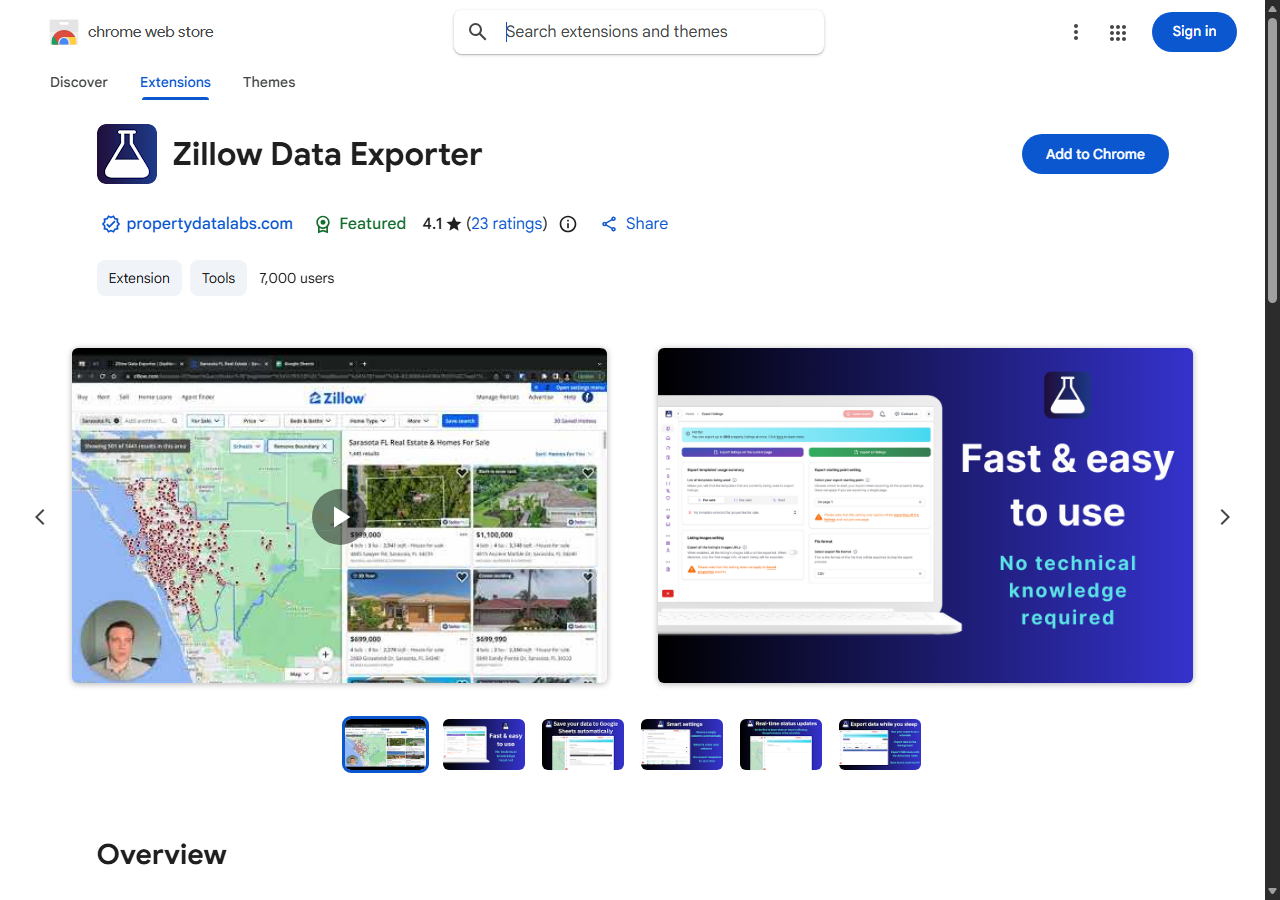
The Property Data Labs Zillow Data Exporter was the easiest no-code way to export Zillow listings to Excel, running as a Chrome extension that turns a search results page into a CSV or XLSX file in one click. In my testing it captured the standard listing fields cleanly and let me export For Sale, For Rent, Sold, and Saved properties as separate exports, which matched the listing-status split I wanted in my spreadsheet.
What it returns. Roughly 35 or more data points per listing exported straight to CSV or Excel: address, price, beds, baths, square footage, listing status, and image URLs, per the Chrome Web Store listing. It reads what is on the search page, so it captures listing-level fields well and does not pull the deeper per-property history that an API returns. The extension was last updated in February 2026 and carried a 4.1 rating at the time I tested.
- True one-click export to CSV or Excel, no code at all
- Exports For Sale, For Rent, Sold, and Saved listing types separately
- Generous free plan: 50 exports per month, up to 40 listings each
- Captures listing-page fields only; deeper per-property history needs an API
- Manual and browser-bound, so it does not automate large jobs
Pricing. The free plan includes 50 exports per month at up to 40 listings per export, which works out to about 2,000 listings monthly at no cost and no credit card. Paid tiers raise the per-export limit and unlock advanced fields like image URLs and building units. For occasional spreadsheet pulls the free allowance is enough on its own.
Best for. Agents, investors, and analysts who want to export Zillow listings to Excel from the browser without writing any code.
3. Octoparse - best no-code desktop exporter
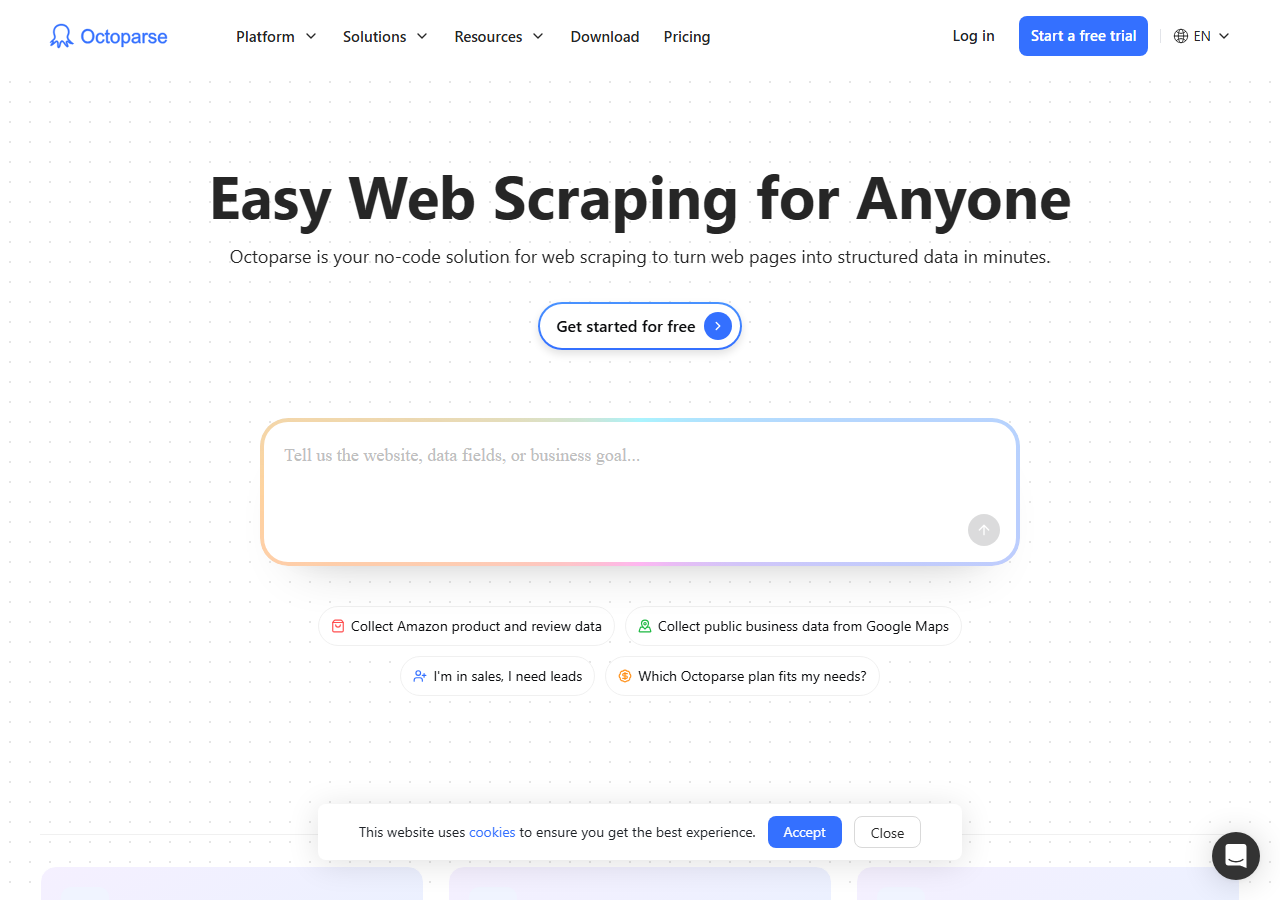
Octoparse was the best no-code desktop option, with a preset Zillow template that exports property data to Excel, CSV, JSON, or XML without code. I pointed its built-in Zillow task at a search URL, ran a local extraction, and got a spreadsheet back; the visual workflow took longer to set up than a one-click extension but handled multi-page results that a browser exporter struggled with.
What it returns. Whatever fields you map in the visual editor, exported to .xlsx, .csv, .json, or .html. The preset template captures the standard Zillow listing fields out of the box, and you can add columns by clicking elements on the page. Output was clean once the workflow was tuned, though tuning is the work.
- Preset Zillow template plus a point-and-click field editor
- Exports to Excel, CSV, JSON, HTML, or a database
- Free plan exports up to 50,000 rows per month locally
- Visual workflow has a learning curve versus a one-click extension
- Cloud runs and CAPTCHA solving sit behind paid tiers
Pricing. The free plan is free forever with 10 tasks, local extraction, and up to 50,000 rows of data export per month, per the Octoparse pricing page. Paid plans start at $69 per month (Standard) for cloud extraction, IP rotation, and unlimited export. For local, moderate-volume Zillow exports the free tier is workable.
Best for. No-code users who want more control and higher row limits than a browser extension and do not mind building a workflow.
4. Apify - best developer no-code route
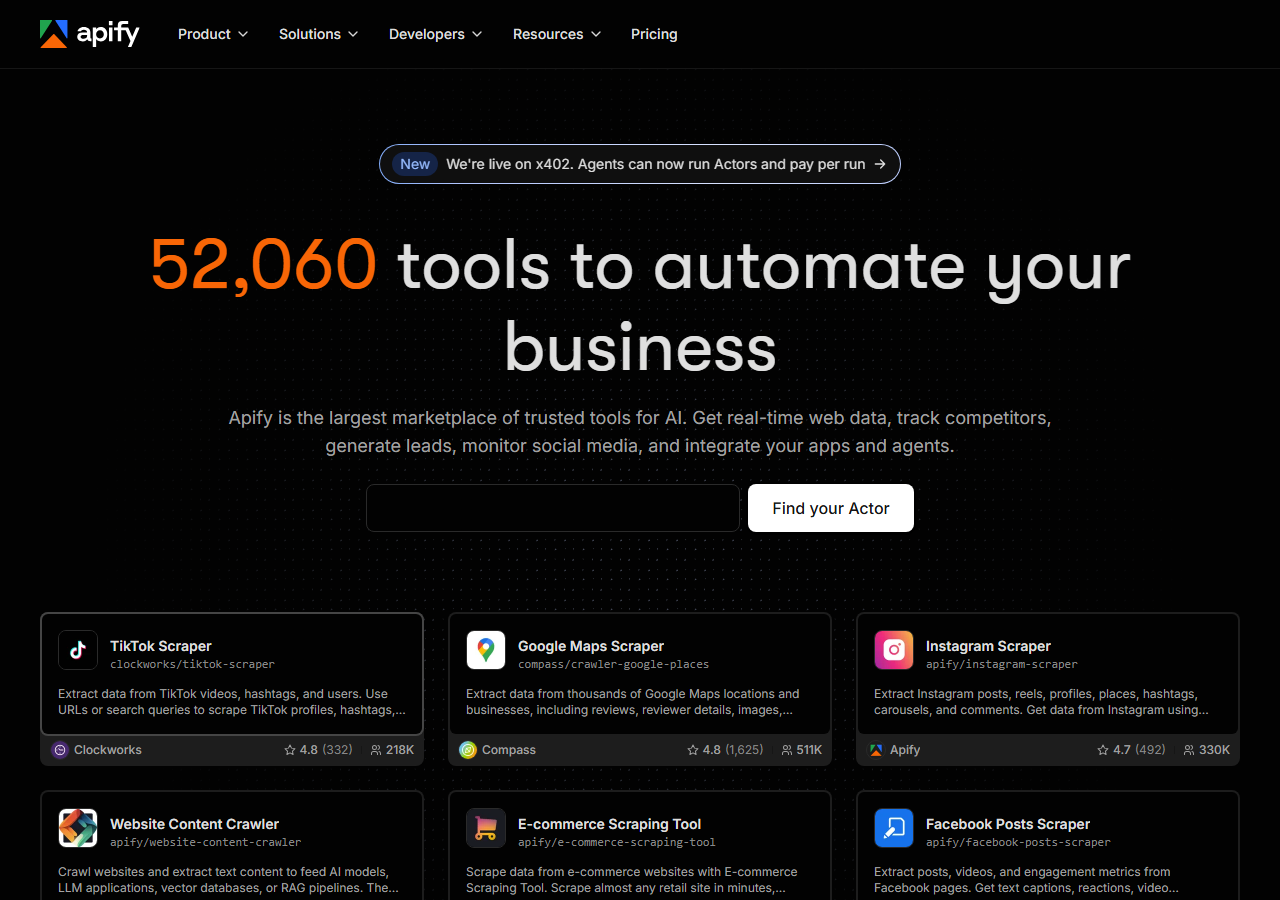
Apify was the strongest developer-friendly no-code route, with several maintained Zillow actors that export listings to CSV, Excel, JSON, or XML. I ran a Zillow actor from the dashboard, set a search URL as input, and downloaded the dataset; it sat between a pure extension and a raw API, giving more configuration than the former and less code than the latter.
What it returns. Property and listing data as JSON, CSV, Excel, or XML, with the exact shape set by the actor you pick. Quality was good on the well-maintained Zillow actors and patchier on older ones, so a test run first is worth it. The platform handles the fetch layer, so I did not manage proxies.
- Multiple maintained Zillow actors, exportable to CSV or Excel
- Pay-per-result billing, so you pay for listings you keep
- Schedules, integrations, and an API for automation
- Per-result cost is harder to predict before a test run
- Actor quality varies by maintainer
Pricing. Usage-based with pay-per-result actors and a free $5 monthly credit, which the platform notes covers roughly 600 listings at no cost. One published agent-data actor lists $3 per 1,000 records, per its Apify Store page; other Zillow actors price per result and vary. The model rewards extracting only what you need.
Best for. Developers who want a configurable, schedulable export and are comfortable picking and testing an actor.
5. Bright Data - best for pre-built datasets
Bright Data was the best fit when you want a ready-made Zillow dataset and would skip running an export yourself. You buy a structured dataset of Zillow listings already collected, delivered as CSV, JSON, or to a data warehouse, which suited bulk analysis where I did not need live, on-demand pulls.
What it returns. A full structured Zillow record per row: city, state, zip, home status, beds, baths, price, year built, address, and Zestimate, per the Bright Data Zillow datasets page. Field coverage is broad and the data is clean on arrival, since it is pre-collected and validated. The trade is that a dataset is a snapshot, so on-demand single-property pulls are a separate scraper product.
- Massive pre-built Zillow dataset, hundreds of millions of records
- Broad field coverage delivered clean as CSV or to a warehouse
- Also offers a live scraper product for on-demand pulls
- Priced for scale, so small exports are not the target use
- Datasets are snapshots, less suited to live single-property lookups
Pricing. Bright Data’s real estate datasets list around $250 per 100,000 records, which is roughly $2.50 per 1,000, with lower rates at committed volume, per its real estate datasets page. The per-record cost is higher than an API for small jobs and improves sharply at dataset scale.
Best for. Teams that want a large, ready Zillow dataset for analysis and do not need live, per-property exports.
6. Zillow Exporter - best for quick single exports
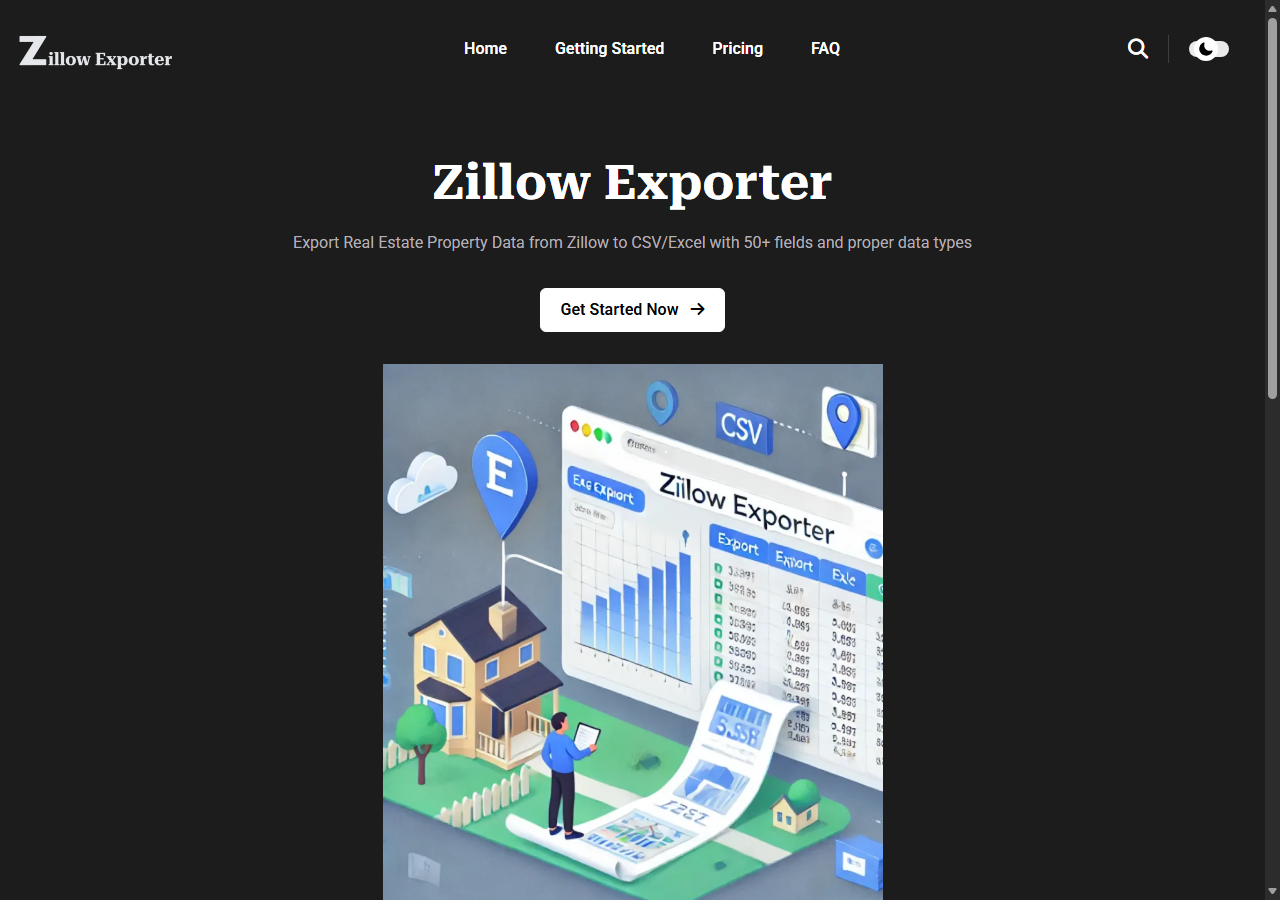
Zillow Exporter was the simplest tool for a quick one-off export, a browser extension that records property details as you browse and converts them to a CSV or Excel file. It supports a wide field set and a flat monthly price, which makes the math easy, though its free allowance is the smallest here.
What it returns. Over 50 property fields for sale and rental listings, exported to CSV or Excel, including price, address, beds, baths, and square footage. Full detailed exports include all available fields; partial exports return basic info only, which is how the free tier is metered.
- Wide field set, 50-plus data points per property
- Flat monthly price, simple to budget
- No code, exports to CSV or Excel from the browser
- Free tier is small: 10 full detailed properties, 100 partial
- Browser-bound and manual, so it does not scale to large jobs
Pricing. A free plan allows 10 full detailed property exports or 100 partial properties, and the Premium plan is $30 per month for unlimited exports with email support, per the Zillow Exporter pricing page. The flat rate is predictable, and the small free allowance suits trial use more than ongoing work.
Best for. Users who want a quick, predictable single-export tool and value a flat price over a free allowance.
Comparison table
Here is the full feature matrix from my testing, so you can match a Zillow data exporter to your constraints at a glance. Every tool here writes CSV, Excel, or both, so the columns below focus on field depth, automation, and cost.
| Feature | ChocoData | PDL Exporter | Octoparse | Apify | Bright Data | Zillow Exporter |
|---|---|---|---|---|---|---|
| No-code export | no | yes | yes | partial | yes | yes |
| Exports CSV / Excel | yes | yes | yes | yes | yes | yes |
| Full property record | yes | partial | partial | yes | yes | partial |
| Zestimate + history | yes | no | manual | partial | yes | no |
| Handles blocks for you | yes | yes | partial | yes | yes | yes |
| Automates large jobs | yes | no | partial | yes | yes | no |
| Free tier | yes | yes | yes | yes | trial | yes |
| Best for | scale | no-code | desktop | developers | datasets | quick |
What teams use Zillow data exports for
Teams export Zillow property data mostly for analysis and outreach, and the use case decides how many fields and how much volume you need, which in turn decides the tool. The four jobs I see most often:
- Investment and comp analysis: pulling price, square footage, and the Zestimate across a market to model deals, where full-record fidelity matters most.
- Market and trend research: tracking listing prices, days on market, and inventory over time, usually steady, ongoing exports.
- Lead generation: building agent or owner contact lists from listings, a distinct job that leans on the Zillow agent scraper fields.
- Rental pricing: exporting rent prices and rental listing data to size a market, covered in my Zillow rental data API notes.
Comp and research work rarely needs the hundreds-of-millions scale that a pre-built dataset targets, so the right pick is usually the exporter that captures the fields you need with the least manual effort, which is the question the final section settles.
How to choose a Zillow data exporter
Choose by how much data you need, how often, and whether you can write a little code. If you are exporting Zillow property data at scale and can flatten JSON to a spreadsheet, a property API like ChocoData was the cleanest and cheapest per usable record in my testing. If you want a true no-code export from the browser, the Property Data Labs Zillow Data Exporter handled one-click CSV and Excel best, and Octoparse gave higher row limits for a bit more setup. For a configurable developer route, Apify’s Zillow actors fit, and for a ready-made bulk dataset, Bright Data fit.
One thing to settle before you export anything commercial: Zillow’s official data, served through Bridge, carries a Zillow Data Terms of Use that restricts caching, downloading, and retaining copies of the data, so storing a feed export long term can conflict with those terms. Public listing fields you collect for your own analysis sit in a different, well-trodden space, but the line matters for redistribution. I walk through where it falls in my guide on whether scraping Zillow is legal, and the step-by-step scraping guide covers getting the data out cleanly once you have picked a tool.
FAQ
What is the best Zillow data exporter in 2026?
In my testing the best Zillow data exporter for volume was ChocoData, which returned structured JSON I exported straight to CSV or Excel at a 97% success rate and about $0.60 per 1,000 records. For a no-code browser export, the Property Data Labs Zillow Data Exporter Chrome extension was the easiest, with a free tier of 50 exports per month.
Can you export Zillow data to Excel for free?
Yes, within limits. The Property Data Labs Zillow Data Exporter free plan allows 50 exports per month at up to 40 listings each (2,000 listings monthly), and Octoparse's free plan exports up to 50,000 rows per month to Excel or CSV. ChocoData's free plan covers 1,000 API requests, enough to test a full export pipeline before paying.
Does Zillow have an Export to Excel button?
No. Zillow does not offer a native Export to Excel or CSV feature on its listing pages, so a third party data exporter, browser extension, or API is required to get Zillow property data into a spreadsheet.
Is exporting Zillow data to a spreadsheet allowed?
Exporting public listing fields for your own analysis is common, but Zillow's official data, served through Bridge, carries a Zillow Data Terms of Use that restricts caching, downloading, and retaining copies of the data. For anything commercial or redistributed, read those terms first. See my guide on whether scraping Zillow is legal.
How many data fields can you export from a Zillow listing?
It depends on the tool. Browser extensions like the Property Data Labs exporter capture roughly 35 or more data points per listing (price, address, beds, baths, square footage, status, image URLs). A property API such as ChocoData returns the full structured record, including the Zestimate, price history, and agent fields, which you can flatten to as many spreadsheet columns as you need.